What is the Missing or Incorrect rate?
The Missing or Incorrect rate measures the percentage of delivered orders with at least one item marked missing or incorrect. Ideally, merchants should hold a Missing or Incorrect rate of less than 2.25%.
How can I reduce missing or incorrect items?
To keep your Missing or Incorrect rate low and improve customer satisfaction:
Optimize your menu

A clear, concise menu leaves less room for customer confusion and lowers accuracy errors.
Update your menu: Ensure your menu is up-to-date at all times by marking items out of stock and monitoring levels frequently
Provide accurate photos: Showcase your menu items with photos that meet DoorDash's photo requirements
Add descriptions: Include accurate item descriptions with standard ingredients
Add/remove modifiers: Include the option to add or remove modifiers
Pause special instructions: Disable special instructions if you’re unable to accommodate
Double check orders
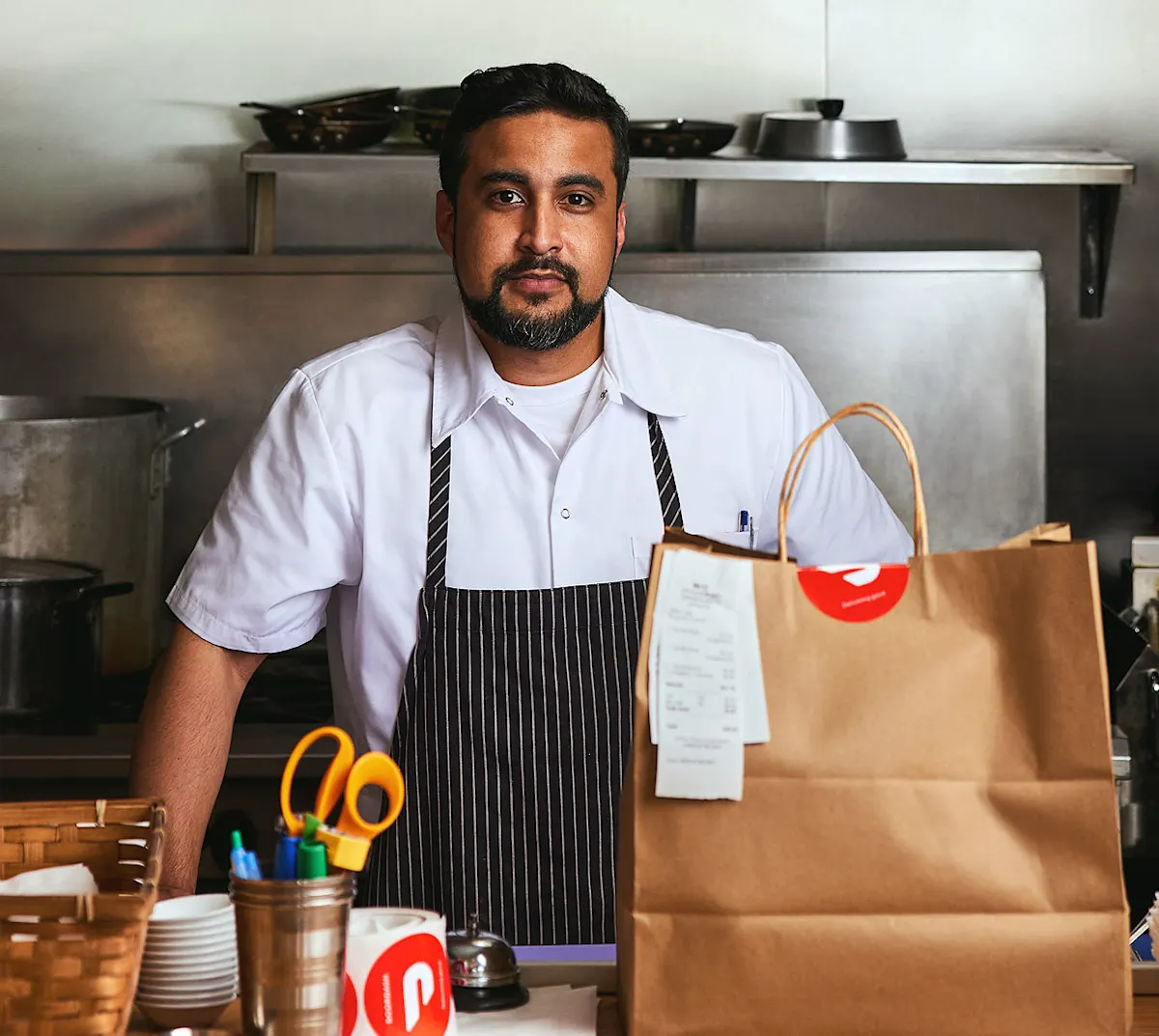
Avoid missing or incorrect items by creating an effective process for packing and handing orders off to Dashers.
Attach multi-bag orders
Check items off on the receipt as you pack
Label bags with the customer’s name
Set up a dedicated order prep and bagging station for fast Dasher handoff
Ask Dashers to identify their order
Have staff members double check the order
Rate Dashers (and block Dashers if they mishandle orders)
Monitor trends in the Merchant Portal
The Operations Quality tab in the Merchant Portal helps you track metrics like missing items, order accuracy, Dasher wait time, and customer rating. To access it:
Log into the Merchant Portal
Click on Insights
Head to Operations Quality
In the bottom right corner, click on View Error Charges to find issues with a specific order

Learn more about what it takes to become Most Loved on DoorDash.