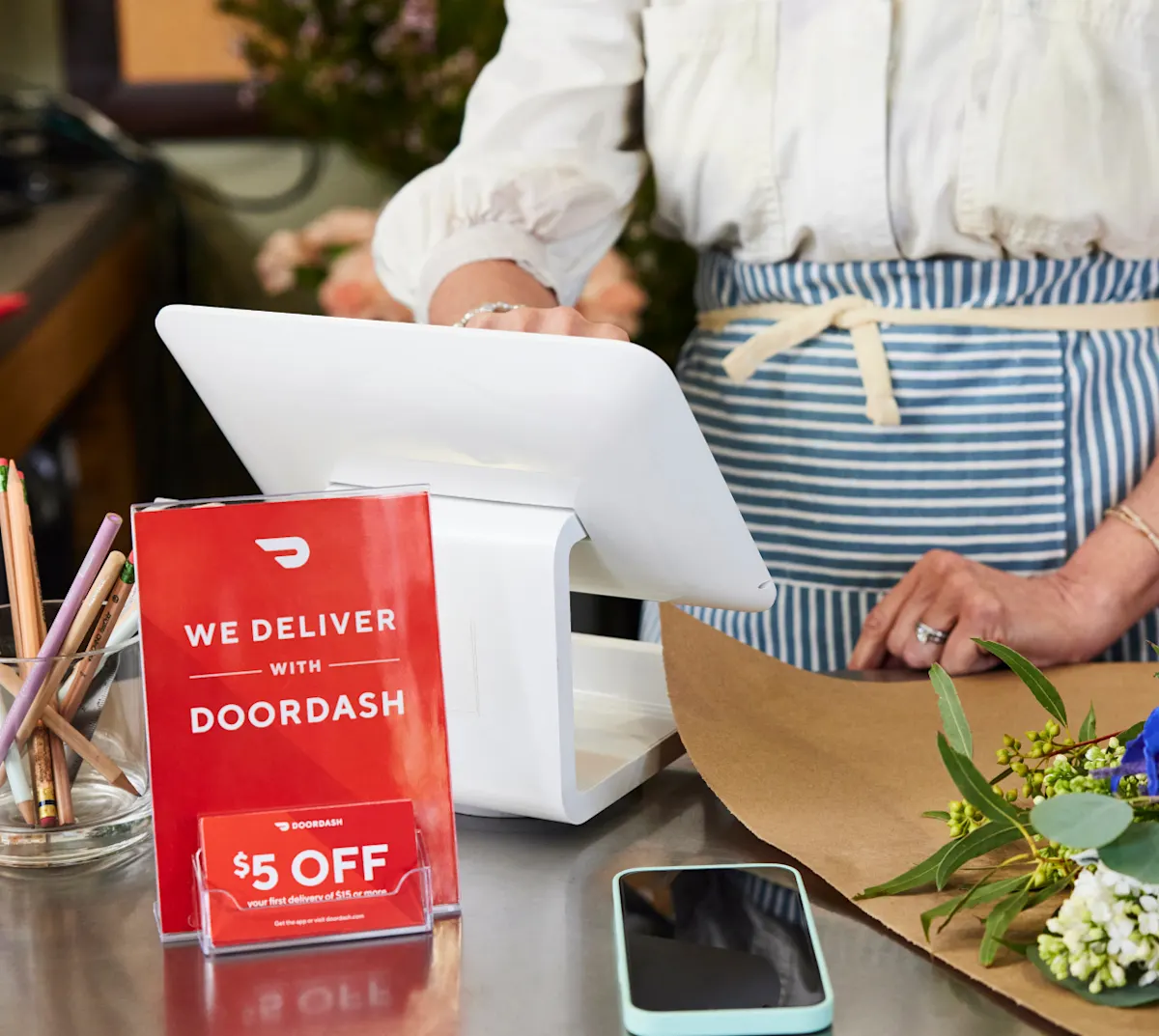
One of the benefits of a DoorDash POS integration is that you can manage DoorDash orders directly through your POS system. Many order issues you encounter can be resolved directly through your POS, though some can be addressed through DoorDash.
How do I contact a customer about an active order?
You’ll need to call Merchant Support to contact a customer about an active order. DoorDash Support can help with live order requests like making status updates, modifying/canceling a live order, or reporting an item as unavailable.
How do I temporarily pause orders?
If you are experiencing kitchen delays, the best way to temporarily pause orders is through your POS system. Contact your POS provider if you experience any issues.
Choosing a DoorDash Preferred Integration partner means support for real-time availability checking, which can help reduce the need to manually pause orders. These integration partners proactively identify out-of-stock items and remove them from your DoorDash menu.
If you have high avoidable Dasher wait times times, if Dashers are reporting having to wait at your store for orders to be ready, DoorDash will automatically pause orders to your store for 30 minutes. This allows you to catch up on orders and provide the best service possible for customers.
You can also temporarily pause orders in the DoorDash Merchant Portal, Business Manager App or on your DoorDash Tablet . If you use the DoorDash Merchant Portal to pause orders, you’ll need to use it to manually reactivate orders.
How do I cancel orders?
You can cancel a live order through the Merchant Portal, Business Manager App or a DoorDash Tablet. Too many self-initiated order cancellations in one day may lead to your store being temporarily deactivated. If you need assistance, you can also cancel orders by contacting Merchant Support.
If you experience a high rate of orders failing or being cancelled due to POS errors, your integration provider plays a key role. DoorDash Preferred Integration partners are required to share detailed order error data with DoorDash, enabling faster identification and resolution of integration issues.
How do I track Dasher status or add Dasher instructions?
You can track Dasher status through the Business Manager App or a DoorDash Tablet if you have one onsite. Contact Merchant Support if you have concerns about Dashers on live orders, such as food not being delivered or Dasher behavior.
You can provide Dasher instructions about where to park or if there is a special entrance through the DoorDash Merchant Portal.
With a DoorDash integration, you can easily manage your orders directly from your POS.
Want to manage orders on a tablet or another method? Learn how to switch your order protocol.