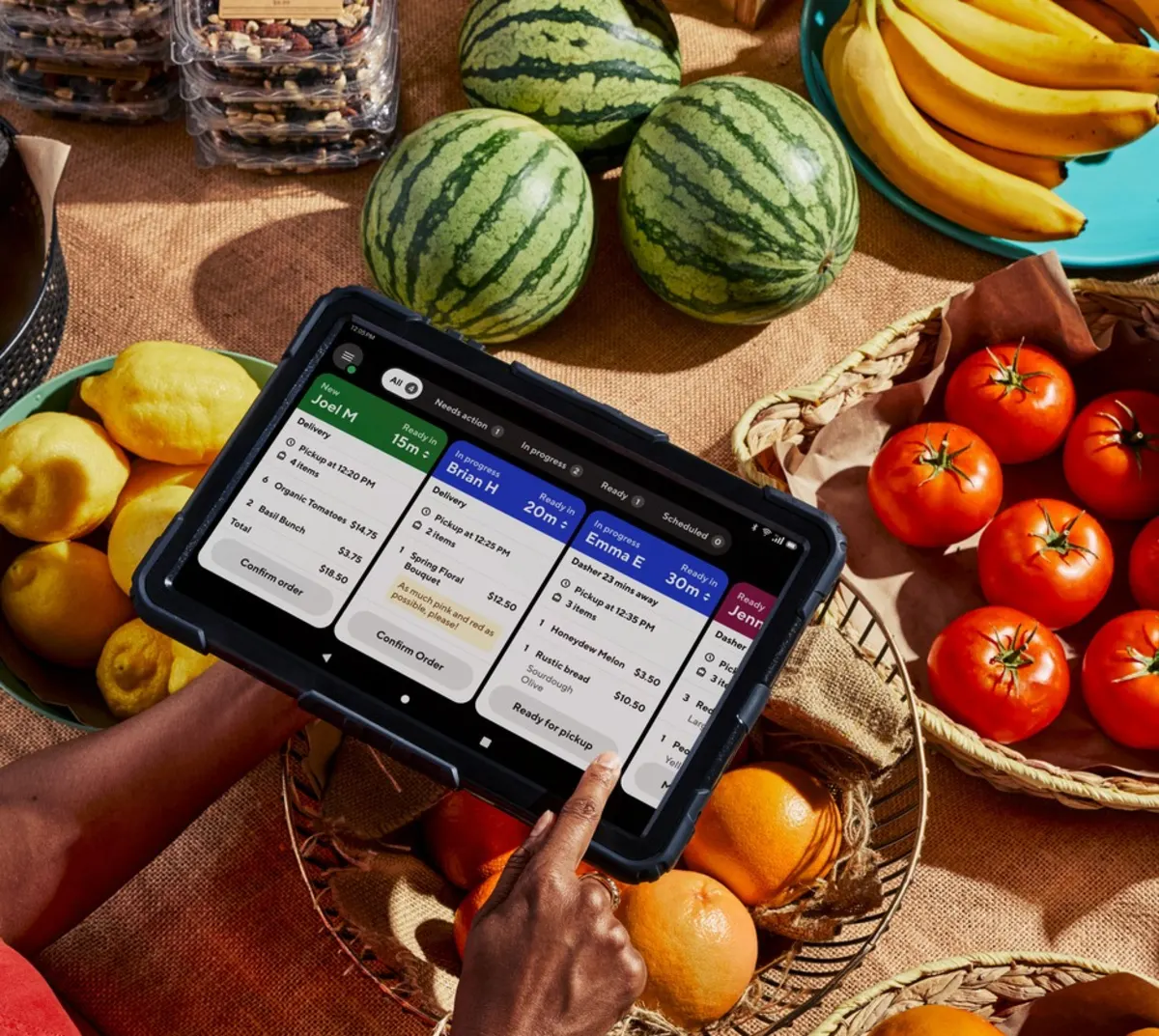
What are avoidable cancellations?
Avoidable cancellations are orders canceled by your store, customers, or DoorDash for reasons that could have been prevented through store operations.
Common causes include:
Store hours not being up to date
Accepting orders when your store is too busy to fulfill them
Items listed as available but out of stock
Orders not confirmed in time
Staff-requested cancellations
Point-of-sale (POS) errors (for POS-integrated stores)
Some cancellations are outside your control, but the scenarios above are typically preventable with accurate settings and timely actions.
What does my avoidable cancellation rate mean?
Your avoidable cancellation rate is the percentage of orders canceled for reasons within your store's control.
Target rate: Below 1.1%
Why it matters: A lower rate helps protect revenue, improves reliability for customers, and supports eligibility for programs like Most Loved.
How do I find my avoidable cancellation rate?

You can find your avoidable cancellation rate in the Merchant Portal.
In the Merchant Portal, select Insights from the left-hand navigation
Choose Operations Quality
Look for the Cancellations card under Areas on track. Here, you can see:
Avoidable Cancellation Rate: The percentage of cancellations you could have prevented
Sales Lost: The subtotal value of avoidable canceled orders
Select View Canceled Orders to review details and identify patterns
How can I reduce avoidable cancellations?
Below are the most common reasons for avoidable cancellations and what you can do to prevent them.
Your store is closed but shown as open
To avoid orders coming in when your store isn't operating:
Keep store hours up to date in the Merchant Portal, tablet, or POS
Update hours for holidays and special closures
Add clear Dasher instructions and in-store signage to prevent incorrect “store closed” reports

Your store is too busy to fulfill orders
To avoid accepted orders when your kitchen can't keep up:
Use the Busy Kitchens tablet feature to add prep time
Temporarily pause orders when needed
If you don't use a tablet, pause orders in the Merchant Portal under Store Availability → Store Status
Pause individual ordering channels if only one channel needs to stop

Items are out of stock but still listed as available
To avoid customers order items you can't fulfill:
Mark items as out of stock in the Merchant Portal, tablet, or POS
Review your menu regularly to ensure availability is accurate
Orders aren't confirmed in time
To avoid canceled orders because confirmation takes too long:
Enable auto-confirmation on your tablet or POS, if available
If using phone or email order protocols, confirm orders as soon as possible

A staff member requests a cancellation
To avoid unnecessarily canceled orders due to workflow issues:
Train staff on how to resolve order issues before requesting cancellations
Use cancellations only when absolutely necessary
Wrong Dasher handoff
To avoid giving orders to the wrong Dasher:
Confirm the order name with the Dasher before handing it off
If a mistake occurs, document it in the Merchant Portal so the issue is recorded accurately
How do avoidable cancellations affect Most Loved?
Most Loved recognizes top-rated and reliable restaurants on DoorDash. Your avoidable cancellation rate is one of the key metrics used to assess eligibility. Keeping your rate below 1.1% helps keep you on track.