How to set prices for delivery and pickup

You can manage delivery and pickup prices directly in the Merchant Portal.
Log in to the Merchant Portal
Select Menu
Click on the item you want to edit
Enter separate prices for Delivery Price and Pickup Price
Save your changes
Why match your DoorDash Pickup prices with your in-store prices?
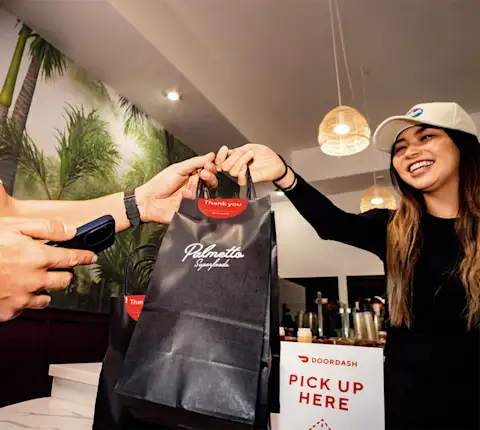
Matching your pickup prices with your in-store prices helps build customer trust and encourages repeat orders.
When pickup prices are higher than in-store prices:
Customers may be less likely to reorder
Price differences can create confusion or reduce confidence
When pickup prices match in-store prices:
Customers are more likely to place an order
Repeat ordering is more likely over time
If you'd prefer, we can level out your prices for you. Simply upload a copy of your in-store menu here, and we can edit your DoorDash Pickup prices to match.
If you need additional help, contact Merchant Support.